




Notion AI’s new calendar feature is not announcing itself loudly. There are no splashy campaign launches, no celebrity partnerships, no countdown timers on a product page. It is simply there, embedded inside a tool millions of people already use daily, and it is quietly making Google Calendar and Fantastical feel like relics from a different decade.

When Your Notes App Starts Managing Your Schedule
Notion built its reputation as a flexible workspace – a place where teams could manage projects, write documentation, and store knowledge without switching between five different apps. The calendar feature extends that logic directly into time management. Instead of copying a meeting agenda from Notion into your calendar app, the two now exist in the same surface. You write the plan, you schedule the time, you attach the notes, and all of it lives in one place without any exporting or syncing required.
What makes this particularly effective is that Notion AI can now read across your workspace and surface relevant context inside calendar events. If you have a meeting with a client on Thursday, Notion can pull in the project brief, the last meeting’s notes, and any open action items – all without you manually linking them. The calendar does not just hold appointments; it becomes a layer of intelligence over everything you have already built inside Notion.
This is where the threat to standalone productivity apps becomes concrete. Apps like Fantastical or Calendly are excellent at what they do, but they are still fundamentally separate from where knowledge actually lives. The friction of moving between a note-taking app, a project manager, and a calendar is small on any given day, but it compounds. Over weeks and months, that context-switching has a real cost on focus and on the quality of preparation going into any given meeting or deadline.
Notion is betting that users who already live inside its ecosystem will stop tolerating that friction. And based on the adoption patterns visible in productivity communities on Reddit, Discord servers, and creator workflows, a growing number of users are taking that bet seriously. The calendar is not pulling them in from the outside – it is removing any remaining reason to leave.

What Notion AI Actually Does Inside the Calendar
The AI layer is where this gets more interesting than a standard calendar integration. Notion AI can draft meeting agendas based on your existing project documentation, suggest time blocks for deep work based on your schedule’s patterns, and flag when a deadline is approaching without a corresponding block of time reserved for it. These are things that have technically been possible with complex automation setups in tools like Zapier or Make, but Notion collapses all of that into something that works out of the box.
The agenda drafting function deserves specific attention because it reflects a real behavioral shift in how people prepare for meetings. Writing an agenda used to mean opening a doc, pulling context from memory or from other tabs, and structuring something from scratch. Notion AI generates a draft agenda by scanning the linked project, identifying recent updates, and proposing a sequence of discussion points. The output is not always perfect, but it is a starting point that takes thirty seconds to edit rather than ten minutes to build. That time difference matters across a week with twelve meetings in it.
There is also a subtler feature that is getting less attention: the ability to see your calendar inline with your database views. If you manage a content calendar, a product roadmap, or a client delivery tracker in Notion, you can now view those same items as calendar events without creating duplicate entries. A content piece with a publish date becomes a calendar event automatically. A project milestone with a due date shows up in your weekly view. The calendar is not a separate thing you maintain alongside your work – it is a view of your work itself.
This design choice has significant implications for teams. The typical workflow in most organizations involves a project manager updating a task in Asana, then separately blocking time in Google Calendar, then writing meeting notes in a doc, and then sharing updates in Slack. Each of those steps is a handoff point where information gets lost or falls out of sync. Notion’s approach collapses several of those steps into one surface. That is not a marketing claim – it is a structural difference in how the workflow is designed.
The AI meeting transcription space has seen similar consolidation pressure, with tools increasingly expected to connect notes directly to calendar events rather than operating as standalone recorders. Notion’s calendar push fits that same pattern: the expectation that AI note-taking and scheduling should operate as a single connected system rather than two products duct-taped together.
The Apps With the Most to Lose
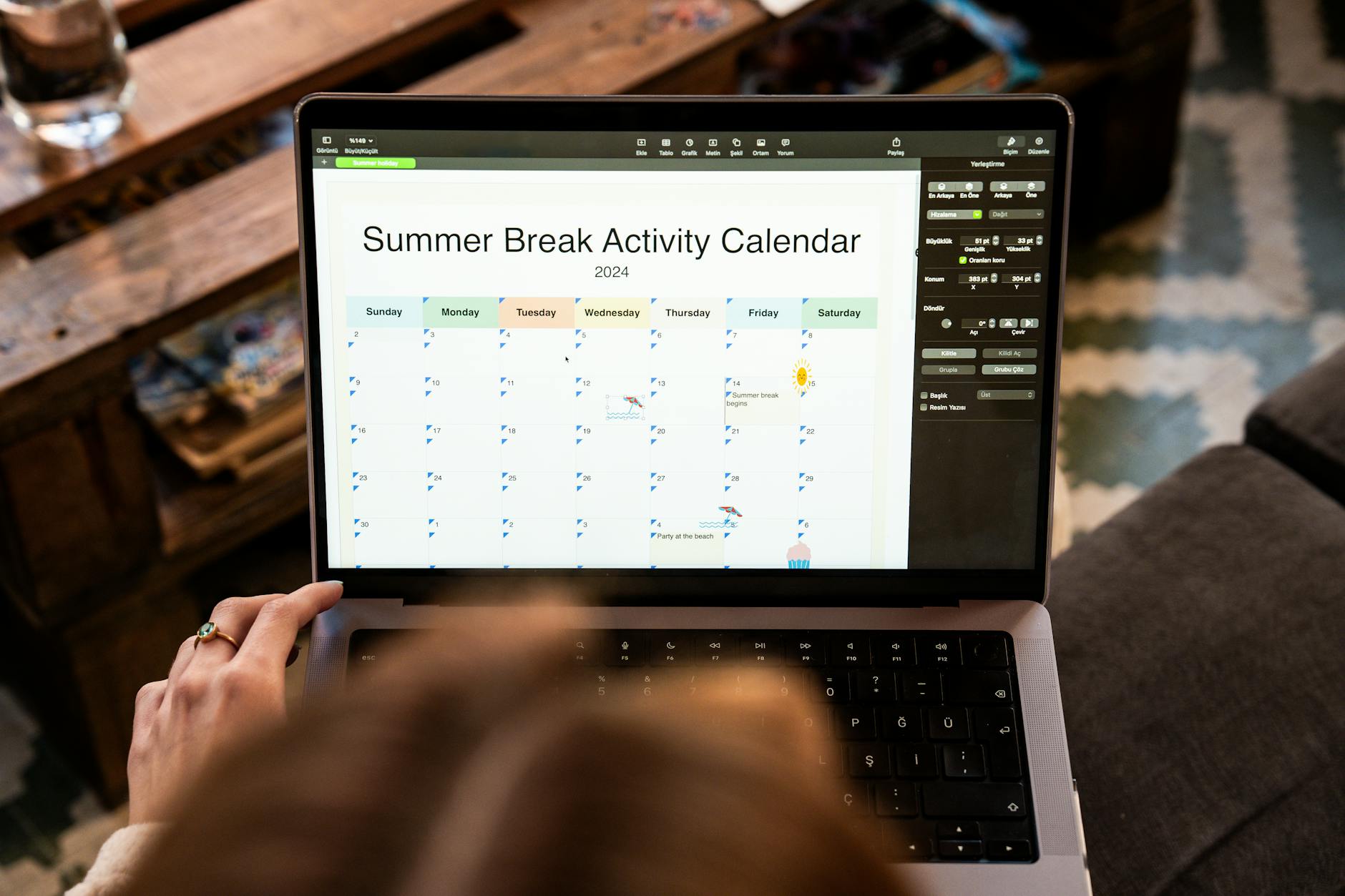
Google Calendar is not going anywhere – its integration with Gmail and Google Meet keeps it deeply embedded in enterprise workflows, and most organizations are not going to rip out Google Workspace because Notion added a calendar view. But the users most at risk of switching are the ones who were never fully committed to Google’s ecosystem in the first place: freelancers, indie developers, small creative agencies, startup teams, and knowledge workers who built their own Notion setups because they wanted something more flexible than the default corporate stack. These are exactly the users who made Notion successful in the first place, and they are the ones most likely to consolidate further into it now that the calendar gap has been filled.
Fantastical, Cron, and similar calendar-focused apps face a harder question. Their value proposition has always been a superior calendar experience – beautiful design, natural language event creation, sophisticated time zone handling. Notion’s calendar is not trying to beat them on those dimensions and probably does not. What it does instead is make those advantages feel less worth the cost of maintaining a separate app. If 80 percent of what you need from a calendar is now inside the tool where all your work already lives, the case for keeping a dedicated calendar app requires justification that many users will not bother to construct.