





High-performance gaming laptops have evolved into powerhouse workstations that content creators increasingly rely on for demanding projects. Two machines consistently dominate discussions among video editors, 3D artists, and digital creators: the Razer Blade 16 and Dell’s Alienware x16. Both promise desktop-class performance in portable packages, but their approaches to serving creative professionals differ significantly.
The current generation of these laptops represents a shift in the gaming laptop market, where manufacturers now explicitly target creative workflows alongside gaming performance. Content creators working with 4K video, complex 3D renders, and massive Photoshop files need machines that can handle sustained workloads without throttling – a challenge that traditional gaming laptops often struggle with.

Display Technology and Color Accuracy
The Razer Blade 16 ships with a 16-inch QHD+ display running at 240Hz, though Razer also offers a 4K OLED variant for creators prioritizing color accuracy over refresh rates. The OLED option covers 100% of the DCI-P3 color space and includes factory calibration, making it particularly appealing for video editors working with HDR content.
Dell’s Alienware x16 takes a different approach with its 16-inch QHD display, focusing on consistency rather than premium display technology. The standard configuration includes a 165Hz panel with G-Sync support, though color accuracy falls short of professional standards without manual calibration. Dell positions this as a gaming-first machine that happens to work well for content creation, rather than explicitly targeting creative professionals.
Color accuracy matters significantly for creators who need to trust their displays. The Razer’s OLED option provides true blacks and exceptional contrast ratios that make it ideal for color grading and photo editing. However, OLED displays can suffer from potential burn-in over extended use, something creators working long sessions should consider.
The Alienware’s LCD panel avoids burn-in concerns but requires investment in external color calibration tools for professional work. Many creators report satisfactory results after calibration, though the extra step adds complexity to workflow setup.
Performance Architecture and Thermal Management
Both laptops pack similar high-end components – current-generation Intel processors and NVIDIA’s RTX graphics cards – but their thermal management philosophies diverge notably. The Razer Blade 16 prioritizes a slim profile, measuring just 0.87 inches thick, which creates thermal constraints during sustained workloads.
Under heavy rendering tasks, the Blade 16 tends to throttle performance to manage temperatures, particularly during multi-hour video exports or 3D rendering sessions. This makes it better suited for creators who work in shorter bursts rather than sustained marathon sessions.
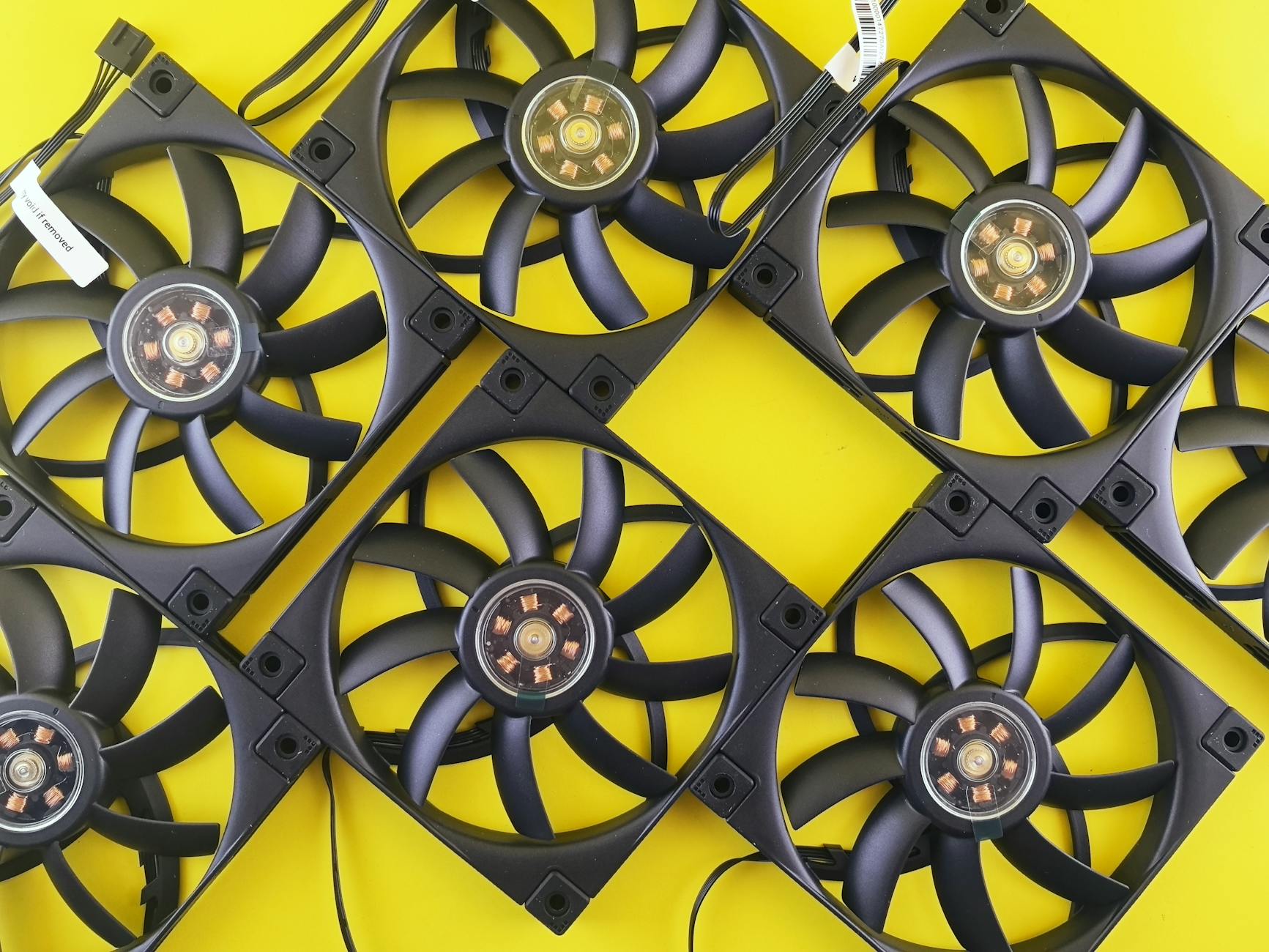
The Alienware x16, despite its gaming focus, maintains better thermal headroom thanks to a more robust cooling system and slightly thicker chassis. Content creators report more consistent performance during extended rendering tasks, though the machine runs louder under load.
Memory and storage configurations favor the Razer slightly, with options up to 64GB of RAM and 2TB of fast PCIe storage. The Alienware maxes out at 32GB in most configurations, which can limit creators working with particularly large projects or multiple applications simultaneously.
For creators frequently working with large video files or complex After Effects compositions, the additional RAM headroom in the Razer becomes crucial. However, the Alienware’s more consistent performance delivery might outweigh the memory advantage for certain workflows.
Build Quality and Creator-Focused Features
Razer has cultivated a reputation for premium build quality, and the Blade 16 continues this tradition with a CNC-machined aluminum chassis that feels exceptionally solid. The keyboard provides good tactile feedback for long typing sessions, and the large trackpad supports precision work when using design applications.
The Alienware x16 embraces Dell’s gaming aesthetic with RGB lighting and angular design elements that may not appeal to creators in professional environments. However, the build quality remains excellent, and the keyboard actually provides slightly better key travel for extended typing sessions.
Port selection differs meaningfully between the machines. The Razer includes Thunderbolt 4 ports, USB-A connections, and an SD card reader – the latter being particularly valuable for photographers and videographers who frequently transfer files from cameras. The Alienware focuses more on gaming connectivity with multiple USB ports but lacks the SD card reader that many creators consider essential.
Both machines support external monitor setups crucial for creative work, though the Razer’s Thunderbolt 4 ports provide more flexibility for connecting high-resolution displays and external storage arrays simultaneously.
The Razer’s quieter operation under light loads makes it more suitable for recording voice-overs or working in noise-sensitive environments. The Alienware’s more aggressive fan curves, while better for thermal management, can interfere with audio recording tasks.
Software Ecosystem and Workflow Integration
Razer includes its Synapse software for system management, which offers granular control over performance profiles and RGB lighting. For creators, the performance modes prove particularly useful – switching between balanced mode for general work and creator mode for rendering tasks.
Dell’s Alienware Command Center provides similar functionality but focuses heavily on gaming features that may not benefit content creators. However, the thermal management options within the software give creators good control over performance versus noise balance.
Both machines run Adobe Creative Suite applications well, though the Razer’s color-accurate OLED display provides a better out-of-box experience for Photoshop and Premiere Pro users. The Alienware requires more initial setup but performs similarly once configured properly.
Integration with cloud-based creative services works equally well on both platforms, though the Razer’s Thunderbolt 4 connectivity provides faster transfer speeds when working with large project files stored on external drives.
Like comparing Figma vs Sketch for UI design teams, the choice often comes down to specific workflow requirements rather than clear technical superiority.

The Creator’s Choice
For content creators prioritizing color accuracy and premium build quality, the Razer Blade 16 with OLED display presents the stronger option despite its higher price point. The combination of professional-grade display technology, robust port selection, and refined design makes it well-suited for creators who value precision over raw sustained performance.
The Alienware x16 appeals to creators who need consistent performance during extended rendering sessions and don’t mind sacrificing some display quality for thermal headroom. Its gaming heritage actually benefits creators who work with real-time applications or need maximum sustained GPU performance.
As creative applications continue demanding more computational power and display fidelity, both manufacturers will likely further refine their approaches to serving professional creators. The convergence of gaming and creative hardware suggests that future iterations will need to balance both use cases even more effectively, potentially making this choice easier for creators who currently must compromise between gaming performance and professional features.
Frequently Asked Questions
Which laptop has better color accuracy for video editing?
The Razer Blade 16 with OLED display offers superior color accuracy with 100% DCI-P3 coverage and factory calibration.
Does the Alienware x16 perform better for extended rendering tasks?
Yes, the Alienware x16 maintains more consistent performance during long rendering sessions due to better thermal management.