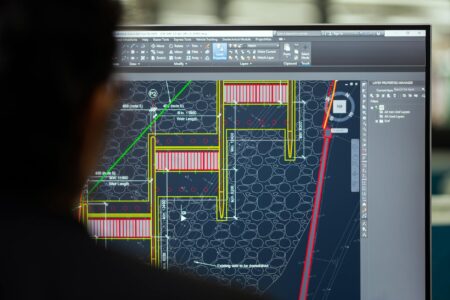





Adobe Premiere Pro crashes during a 4K render. Your video editing timeline stutters with raw footage. Sound familiar? Creative professionals know these pain points all too well, and the choice between Apple’s MacBook Pro M3 and Microsoft’s Surface Laptop Studio often determines whether your next project flows smoothly or becomes a frustrating marathon of buffering screens.
Both machines target the same audience: designers, video editors, and digital artists who need portable powerhouses. But beneath their premium price tags lie fundamental differences in philosophy, performance, and creative workflow integration that could make or break your next deadline.

Performance Architecture: Silicon vs Traditional Computing
The MacBook Pro M3 represents Apple’s commitment to custom silicon, delivering what the company claims is a 20% performance boost over its M2 predecessor. The unified memory architecture allows creative applications to access shared pools of RAM and GPU memory, eliminating traditional bottlenecks that plague video editing and 3D rendering workflows.
Early benchmarks suggest the M3 handles 4K ProRes footage with minimal dropped frames, while simultaneously running multiple Creative Cloud applications. The chip’s dedicated media engines accelerate H.264 and HEVC encoding, critical for YouTubers and content creators who publish frequently.
Microsoft’s Surface Laptop Studio takes a different approach, pairing Intel’s latest processors with discrete NVIDIA RTX graphics cards. This traditional separation of CPU and GPU provides raw computing muscle that many creative professionals prefer, especially those working with GPU-intensive applications like Blender or DaVinci Resolve’s Fusion compositor.
The RTX integration enables real-time ray tracing and AI-accelerated features that Apple’s integrated graphics cannot match. Video editors working with complex motion graphics or 3D elements often find the dedicated VRAM essential for smooth playback and rendering.
Display and Input: Touch vs Color Accuracy
Apple’s Liquid Retina XDR display delivers exceptional color accuracy, covering 100% of the DCI-P3 color space and reaching peak brightness levels of 1,600 nits. For photographers and colorists, this translates to reliable color grading and print preparation workflows. The 120Hz ProMotion refresh rate ensures smooth scrolling through timelines and responsive pen input when using compatible styluses.
The Surface Laptop Studio’s PixelSense Flow display brings touch and pen input natively to Windows creative applications. The 120Hz refresh rate matches Apple’s offering, but the real differentiator lies in direct manipulation capabilities. Photoshop users can paint directly on the canvas, while video editors can scrub through timelines with finger gestures.
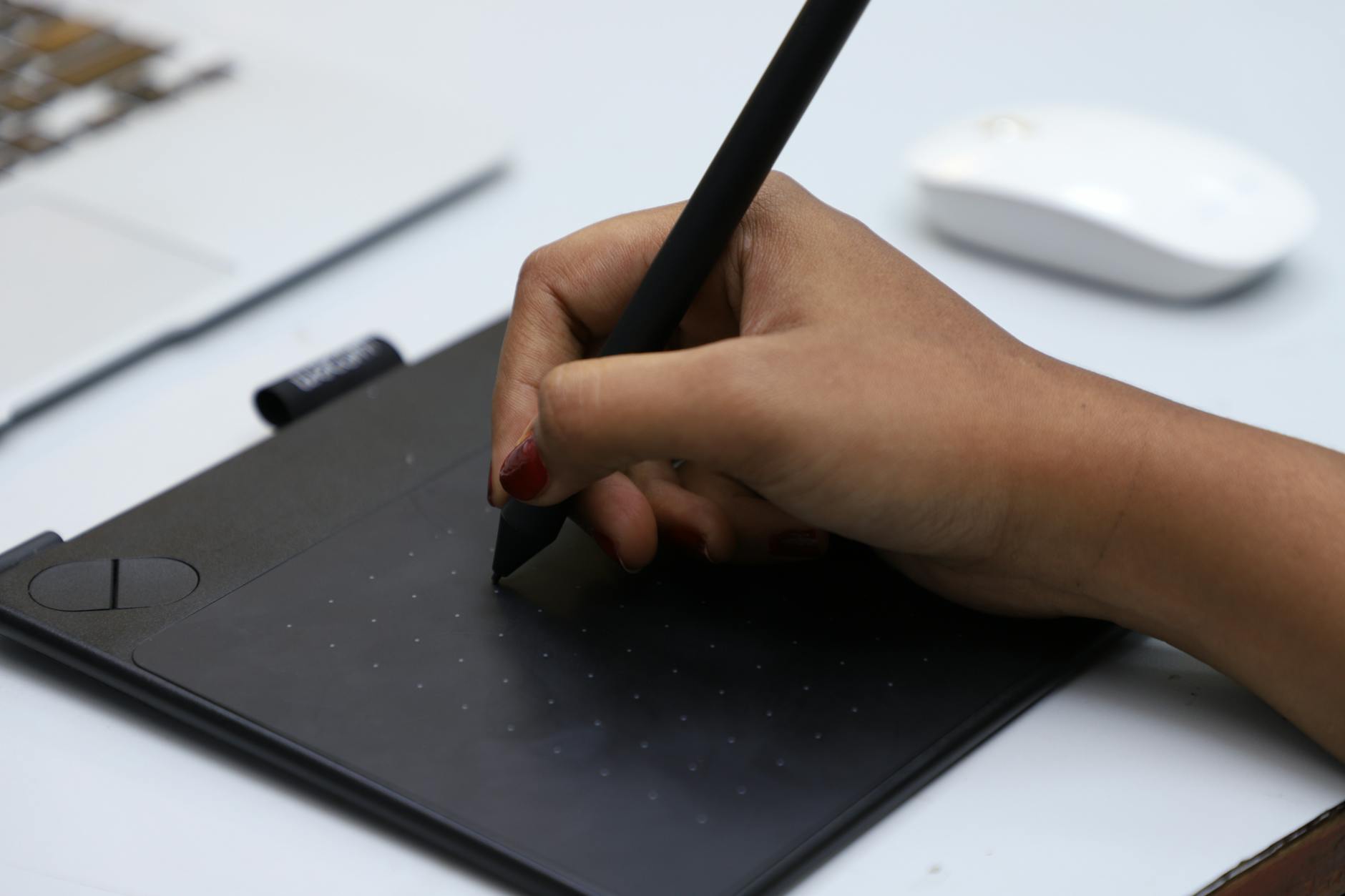
Microsoft’s unique hinge design transforms the laptop into a digital canvas or presentation easel, accommodating different creative workflows. The Surface Pen’s pressure sensitivity and tilt recognition rival dedicated drawing tablets, making it appealing for illustrators and concept artists who travel frequently.
However, color accuracy remains Apple’s strength. While the Surface display covers most of the sRGB color space, it falls short of the MacBook Pro’s professional color standards, potentially causing issues for print-focused designers or colorists working on broadcast content.
Software Ecosystem and Creative Workflow Integration
The software ecosystem divide often determines purchasing decisions more than raw specifications. macOS Big Sur and later versions integrate seamlessly with professional applications like Final Cut Pro, Logic Pro, and Motion. Apple’s optimization extends beyond first-party software, with Adobe reporting significant performance improvements for Premiere Pro and After Effects on M-series chips.
Final Cut Pro remains exclusive to Mac, offering optimized performance that many video editors find superior to cross-platform alternatives. The Metal graphics API ensures efficient GPU utilization across creative applications, while features like Universal Control allow seamless workflow between iPads and MacBooks during collaborative projects.
Windows maintains broader software compatibility, supporting specialized creative tools that may never reach macOS. Audio engineers often prefer Windows for its extensive plugin compatibility and lower-latency audio interfaces. Game developers and 3D artists frequently choose Windows machines for DirectX support and broader graphics driver options.
The Surface Laptop Studio runs full Windows applications without compromise, meaning access to niche creative software, legacy plugins, and specialized industry tools. For professionals working in mixed OS environments or collaborating with PC-based studios, this compatibility proves invaluable.
Microsoft’s integration with cloud services appeals to teams using Office 365 and OneDrive workflows. Creative professionals working within Microsoft’s ecosystem find seamless file sharing and real-time collaboration features, though similar functionality exists across both platforms through third-party solutions.
Practical Considerations: Battery, Ports, and Real-World Usage
Apple’s M3 efficiency translates to impressive battery life, with many users reporting 12-15 hours of video playbook or design work. This efficiency stems from the chip’s architecture and macOS optimization, allowing creative professionals to work through long flights or outdoor shoots without hunting for power outlets.
The MacBook Pro maintains a selection of Thunderbolt 4 ports, HDMI, and an SD card slot, covering most creative professional needs. However, the port selection may require adapters for legacy equipment or specific audio interfaces common in professional studios.
Surface Laptop Studio battery life varies significantly based on workload and GPU usage, typically ranging from 6-10 hours for creative tasks. The discrete graphics card provides superior performance but at the cost of power efficiency. For studio-based professionals who remain tethered to power, this trade-off may prove worthwhile.
Microsoft includes a broader port selection, including USB-A ports that accommodate older peripherals without adapters. The Surface Connect port enables docking station integration, appealing to professionals who frequently move between office and mobile workflows.
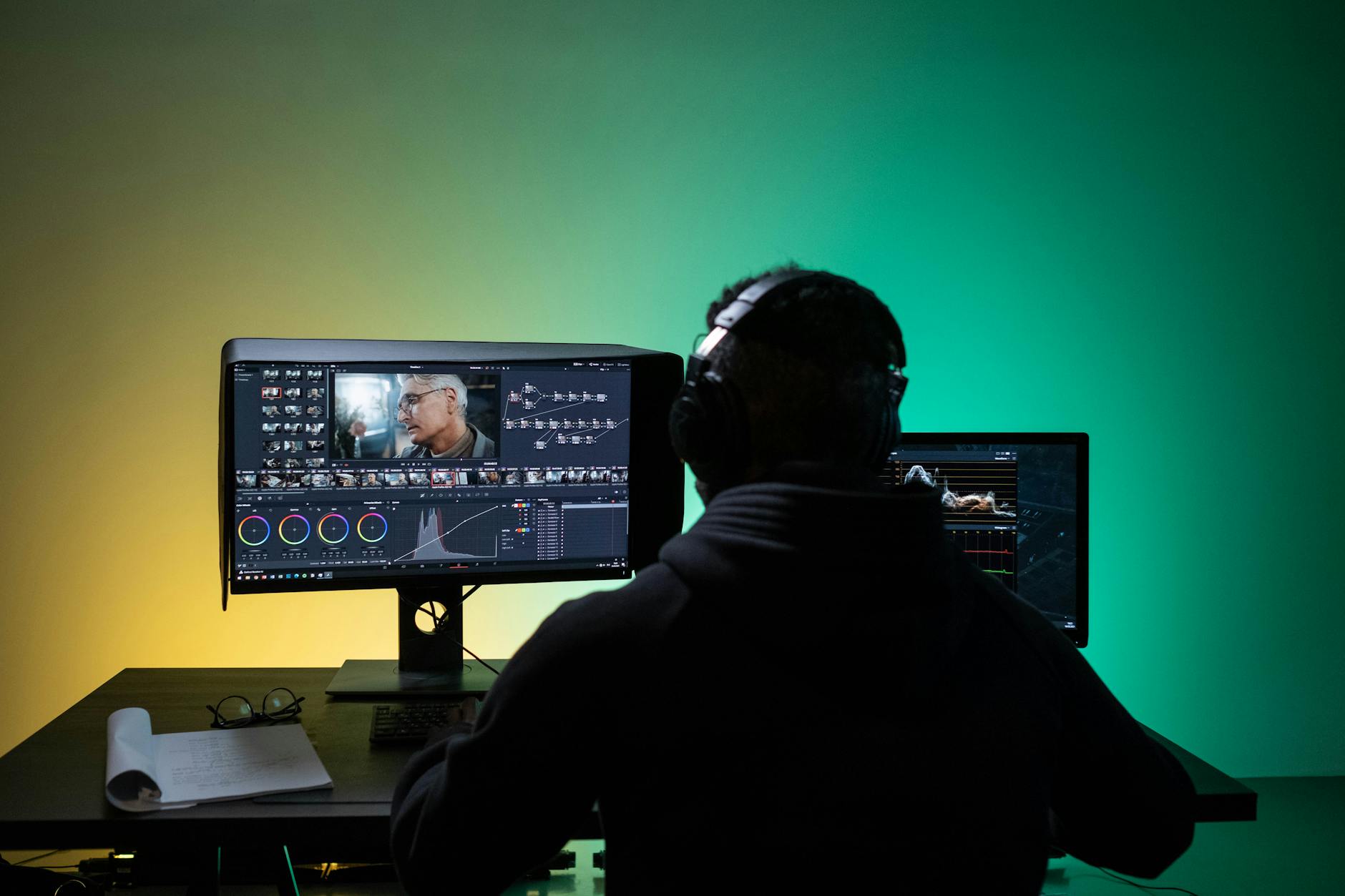
The choice between these creative powerhouses ultimately depends on your specific workflow priorities and ecosystem preferences. Video editors working primarily in Final Cut Pro and Logic Pro will find the MacBook Pro M3’s optimized performance and exceptional battery life compelling. The color-accurate display and efficient thermal management support long editing sessions without thermal throttling.
Creative professionals requiring touch input, extensive software compatibility, or GPU-intensive 3D work may gravitate toward the Surface Laptop Studio. Its flexibility as both a laptop and digital canvas, combined with full Windows software support, addresses needs that Apple’s current lineup cannot match.
As we look toward 2024, both companies continue pushing creative computing boundaries. Apple’s rumored M3 Pro and Max variants promise even greater performance scaling, while Microsoft’s Surface roadmap reportedly includes improved battery efficiency and enhanced pen capabilities. The competition benefits creative professionals, driving innovation in portable workstation design and performance optimization.
Similar competitive dynamics play out across the broader tech landscape, as we’ve seen with smartphone photography capabilities where different approaches serve different professional needs.
Frequently Asked Questions
Which laptop is better for video editing?
MacBook Pro M3 excels with Final Cut Pro optimization and efficient 4K handling, while Surface Laptop Studio offers better GPU performance for complex effects work.
Does the Surface Laptop Studio have better color accuracy than MacBook Pro?
No, MacBook Pro M3’s Liquid Retina XDR display offers superior color accuracy with 100% DCI-P3 coverage compared to Surface’s sRGB coverage.