




Digital artists are ditching traditional tools faster than ever, but the eternal debate between iPad Pro and Surface Pro continues to divide creative professionals. While both devices promise desktop-level performance in tablet form, their approaches to digital art creation couldn’t be more different.
The choice between Apple’s sleek iOS ecosystem and Microsoft’s full Windows experience has become more complex as both platforms mature. Professional illustrators, concept artists, and digital designers are finding compelling reasons to choose either device, making this one of the most consequential decisions in modern creative workflows.
Display Technology and Color Accuracy
The iPad Pro’s Liquid Retina XDR display delivers exceptional color accuracy that rivals professional monitors. Apple’s latest models feature 1,000 nits sustained brightness and 1,600 nits peak brightness, making them suitable for HDR content creation. The P3 wide color gamut covers 99% of the DCI-P3 color space, crucial for professional artwork that needs accurate color reproduction.
Surface Pro devices use PixelSense displays with solid color accuracy, typically covering around 97% of the sRGB color space. While not matching the iPad Pro’s peak brightness, Surface Pro displays maintain consistent color temperature and offer excellent viewing angles. The slightly larger screen real estate on most Surface Pro models gives artists more canvas space for detailed work.
Both devices support variable refresh rates, but the iPad Pro’s ProMotion technology adapts more smoothly to different content types. This creates a more natural drawing experience, especially when using pressure-sensitive styluses for detailed illustration work.
Stylus Performance and Precision
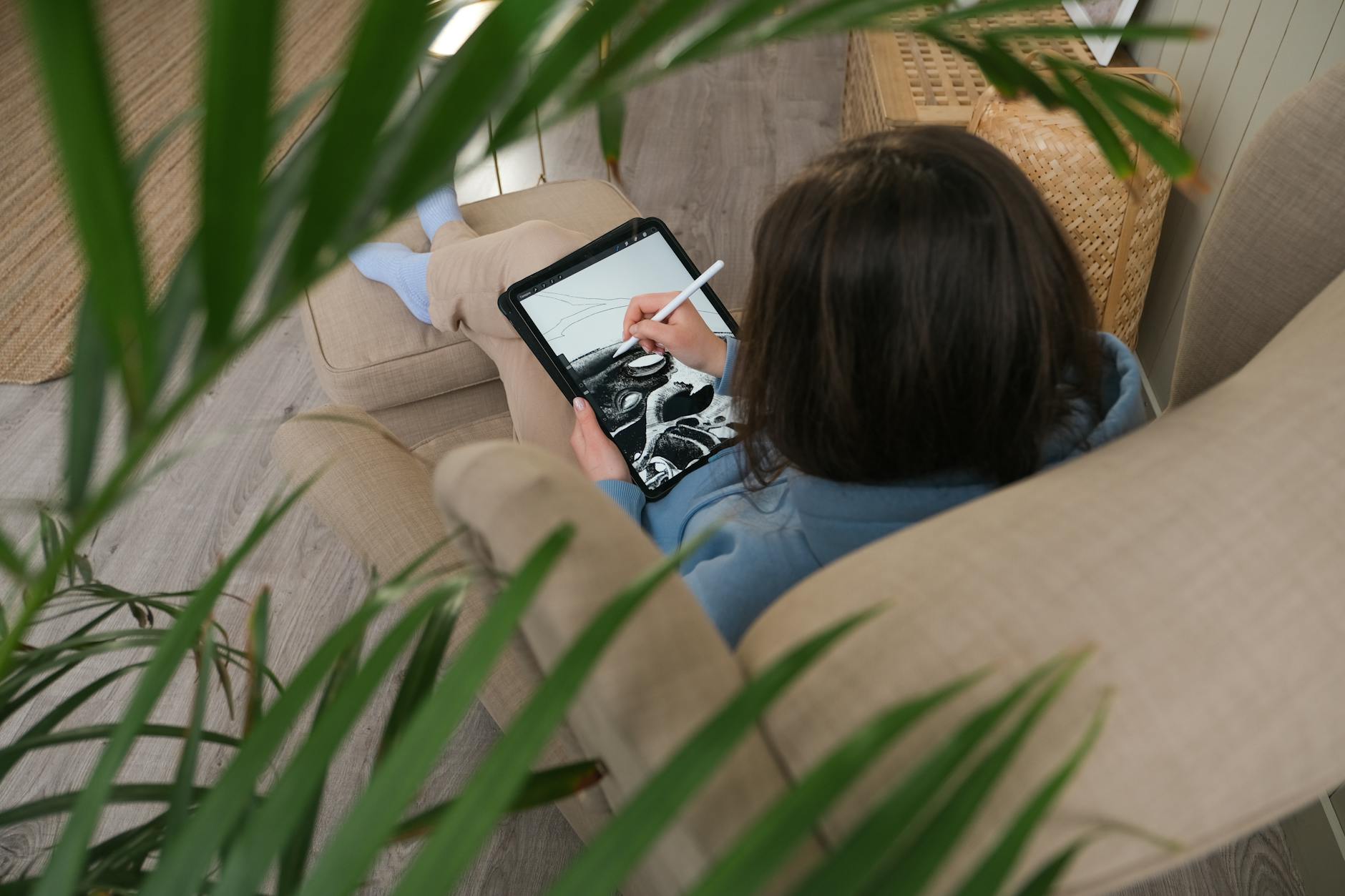
The Apple Pencil represents the gold standard for tablet styluses, offering industry-leading latency as low as 9 milliseconds on current iPad Pro models. The magnetic attachment system keeps the stylus charged and readily available, while pressure sensitivity levels reach 4,096 points of precision. The tilt functionality works seamlessly with apps like Procreate and Adobe Fresco, allowing artists to create natural shading effects.
Microsoft’s Surface Pen delivers competitive performance with 4,096 pressure levels and tilt detection. The pen supports multiple tip options, including different firmness levels that some artists prefer for specific drawing styles. Battery life tends to be longer than the Apple Pencil, though the charging method requires removing the top cap to insert an AAAA battery.
Palm rejection technology works effectively on both platforms, though the iPad Pro’s implementation feels slightly more refined during extended drawing sessions. Both styluses support hover detection, allowing for precise cursor placement before making contact with the screen.
Software Ecosystem and Professional Applications
iPad Pro users benefit from a curated selection of optimized creative apps. Procreate dominates the illustration space with its intuitive interface and powerful brush engine. Adobe Creative Cloud apps like Photoshop, Illustrator, and Fresco have been redesigned specifically for touch interfaces, though some advanced features remain exclusive to desktop versions.
The iOS App Store’s quality control ensures that creative apps generally perform reliably, but the closed ecosystem limits flexibility. Professional workflows requiring specific plugins or advanced file management can feel constrained compared to traditional desktop environments.
Surface Pro devices run full Windows applications, providing access to complete Creative Cloud suites, Corel Painter, Clip Studio Paint, and specialized 3D modeling software. This compatibility advantage appeals to professionals who need specific tools or must maintain consistency with existing desktop workflows.
However, many Windows applications weren’t designed for touch interfaces, creating usability challenges when working without a keyboard. The tablet mode experience varies significantly between applications, sometimes requiring awkward finger gestures for precise selections.
Performance and Creative Workflow Integration
The M2 chip in current iPad Pro models delivers exceptional performance for creative tasks. Real-time rendering in complex Procreate files remains smooth, and video editing capabilities have improved significantly with apps like LumaFusion. The unified memory architecture allows for efficient multitasking between creative applications.
Surface Pro performance depends on the specific processor configuration, with higher-end Intel models matching or exceeding iPad Pro performance in certain benchmarks. The ability to run full desktop applications provides more flexibility for complex projects requiring substantial system resources.
File management represents a significant differentiator. iPad Pro users work within iOS’s sandboxed file system, which has improved with recent updates but still feels limited for complex project organization. Surface Pro devices offer traditional Windows file management, making it easier to organize large creative projects and collaborate with team members using different platforms.
The integration with cloud storage services works differently on each platform. iPad Pro excels at iCloud integration and works well with Adobe Creative Cloud sync. Surface Pro devices integrate seamlessly with OneDrive while supporting virtually any cloud storage solution through traditional Windows applications.

Both devices continue evolving rapidly, with software updates frequently adding new creative capabilities. The choice often comes down to existing workflow preferences and specific professional requirements. Artists embedded in iOS ecosystems find the iPad Pro’s optimized experience compelling, while those requiring specific Windows applications or preferring traditional desktop workflows gravitate toward Surface Pro devices.
The future likely holds even tighter integration between these devices and professional creative workflows, as both Apple and Microsoft recognize the growing importance of mobile creative professionals. Similar considerations around ecosystem choice apply to other creative tools, much like comparing gaming platforms for adult users, where specific software libraries and user experiences drive platform selection.
Frequently Asked Questions
Which stylus is better for digital art, Apple Pencil or Surface Pen?
Apple Pencil offers slightly lower latency and more refined palm rejection, while Surface Pen provides longer battery life and multiple tip options.
Can Surface Pro run full desktop creative software?
Yes, Surface Pro runs complete Windows applications including full Adobe Creative Suite, Corel Painter, and specialized 3D modeling software.